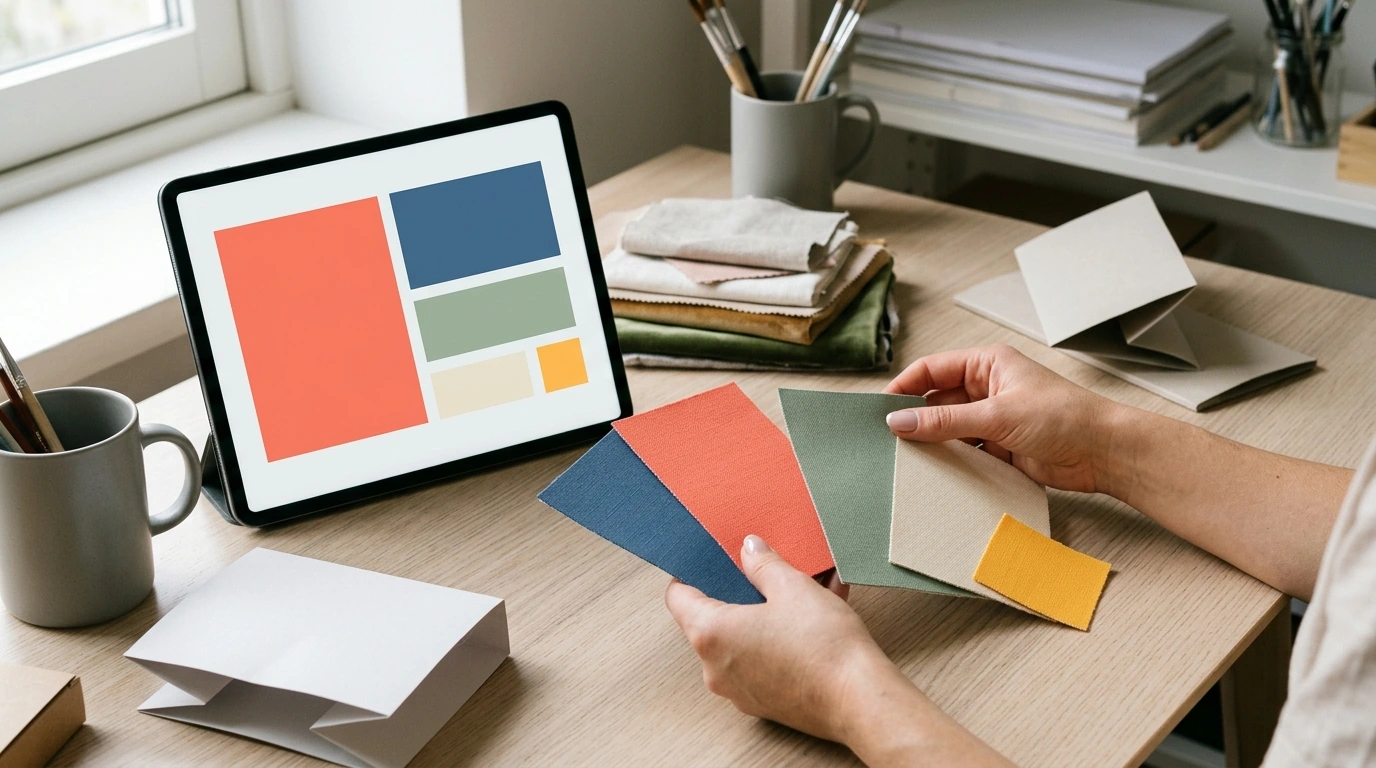
Color trends move fast—but strong creative work comes from knowing how to translate trend signals into palettes that fit a brand, a season, and a real-world brief. Our digital Color Trend Guide | Digital Download | eBook for Designers, Marketers & Creatives | Trend Forecasting & Application Guide is built for designers, marketers, and creatives who need a clear, repeatable way to forecast color direction and apply it across campaigns, content, product, and visuals without guesswork.
Trend color gets overwhelming when it’s treated like a list. Our team uses a “signals to direction” approach—so you’re not chasing shades, you’re building a story that holds up across channels.
When you want an outside reference point for how trend narratives get formed, resources like the Pantone Color Institute can be useful for understanding how mood, culture, and industry context influence color direction.
Instead of reinventing your process every season, use a consistent palette build that makes your choices easier to defend—and easier to apply.
| Palette role | Purpose | Where it works best | Common mistake to avoid |
|---|---|---|---|
| Hero | Sets the emotional tone and trend direction | Key visuals, headlines, main blocks, primary product color stories | Using it everywhere until it becomes noise |
| Supporting (1–2) | Adds range and depth | Secondary graphics, backgrounds, sections, supporting products | Choosing shades too close to the hero (no contrast) |
| Neutral | Creates balance and readability | Typography, whitespace, UI surfaces, base layers | Picking a neutral that shifts the whole palette warmer/cooler unintentionally |
| Accent | Directs attention and action | CTAs, badges, highlights, key details | Overusing the accent so nothing feels special |
Trend color works best as a smart layer—not a full reset. If you already have brand equities (signature hues, recognizable neutrals, consistent contrast), your goal is to introduce freshness without breaking familiarity.
For accessibility guardrails—especially in UI, email, and landing pages—refer to the W3C WCAG overview. And if you want a practical tool to test harmonies and contrast quickly, Adobe Color can help you sanity-check palettes before you build templates.
If your work crosses into styling and travel content, our team also keeps a streamlined planning resource on hand: Travel Style Checklist: Pack Light, Look Stylish – Your Ultimate Guide to Effortless Travel Wardrobe Planning. And if you want a tangible example of how color and texture choices read in a product story, explore our Winter Velvet Hoodie with Paint Splash Design for Women—it’s a helpful reference point for thinking about “hero vs. accent” color distribution in a single item.
It’s built around a repeatable process: how to gather signals, define intent, assign color roles, test for real-world performance, and set rules your team can follow. You’re not just getting colors—you’re getting a way to make color decisions consistently.
Yes. The workflow is designed to layer trend colors into your current system using clear hero/support/neutral/accent roles, plus usage rules that protect brand recognition while adding seasonal relevance.
Bring a campaign goal, a clear audience context, and the channels you need to design for (web, social, email, print). You’ll also want basic accessibility and contrast requirements so your palette performs as well as it looks.









Leave a comment